
Adobe publishes software used by creative, marketing, and administrative teams: Creative Cloud (Photoshop, Illustrator, Premiere Pro, InDesign, etc.), Document Cloud (Acrobat, Adobe Sign), and Experience Cloud. The company’s accounts and licenses are managed through the Adobe Admin Console, where each user is assigned product profiles corresponding to the software they are authorized to use.

The Adobe connector links each account in your Adobe organization to an employee in Youzer: identity, email address, account type, status, and assigned product profiles. You know who has which license, and you manage the accounts from within Youzer.
Youzer automates account creation, updating information, adding and removing product profiles, and deleting accounts.
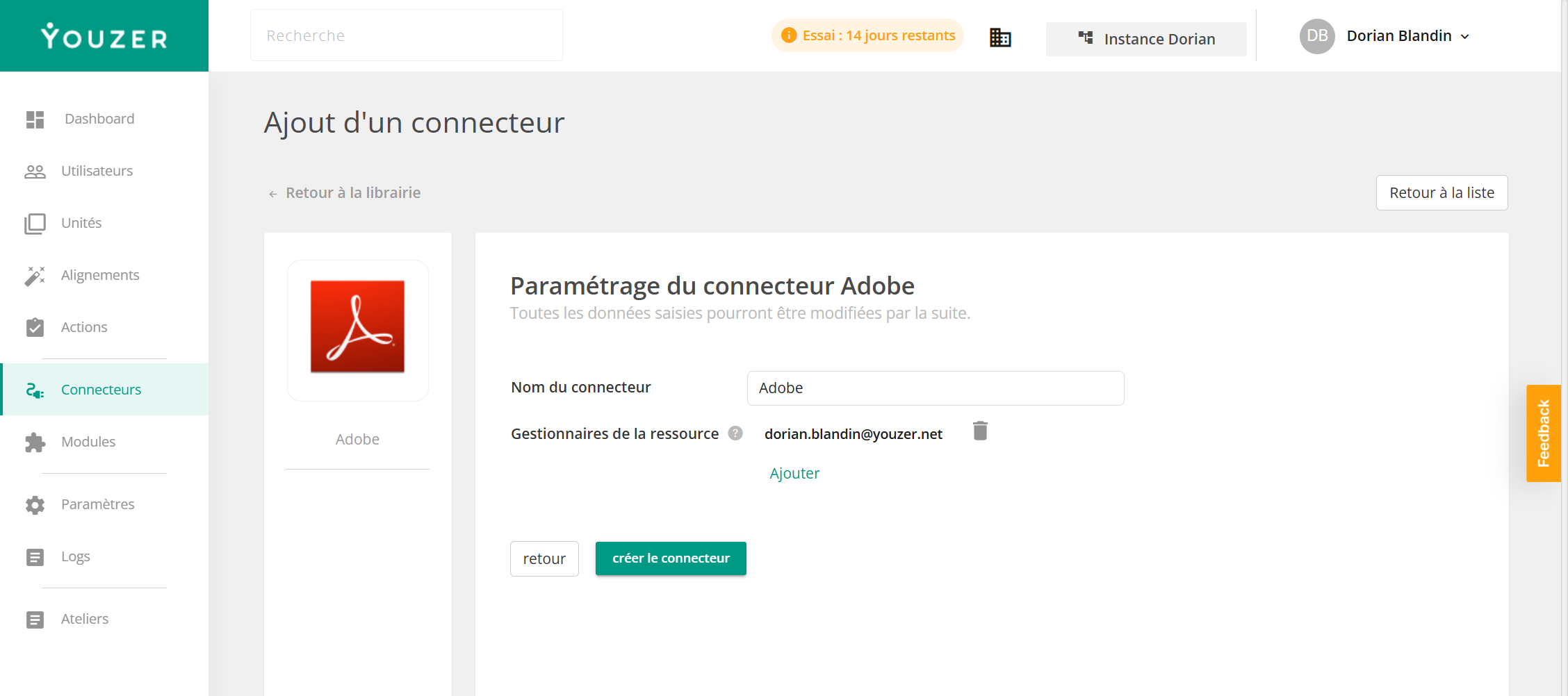
Configuration is done in Youzer using the credentials generated by an administrator in the Adobe Developer Console (organization ID, application ID, and application secret). Youzer then regularly imports users and their product profiles, and automatically creates, modifies, and deletes accounts. The connector supports all three types of Adobe accounts: Enterprise ID (managed by the company), Federated ID (login via your SSO, such as Entra ID or Okta), and Adobe ID (personal accounts invited to the organization). No installation is required.