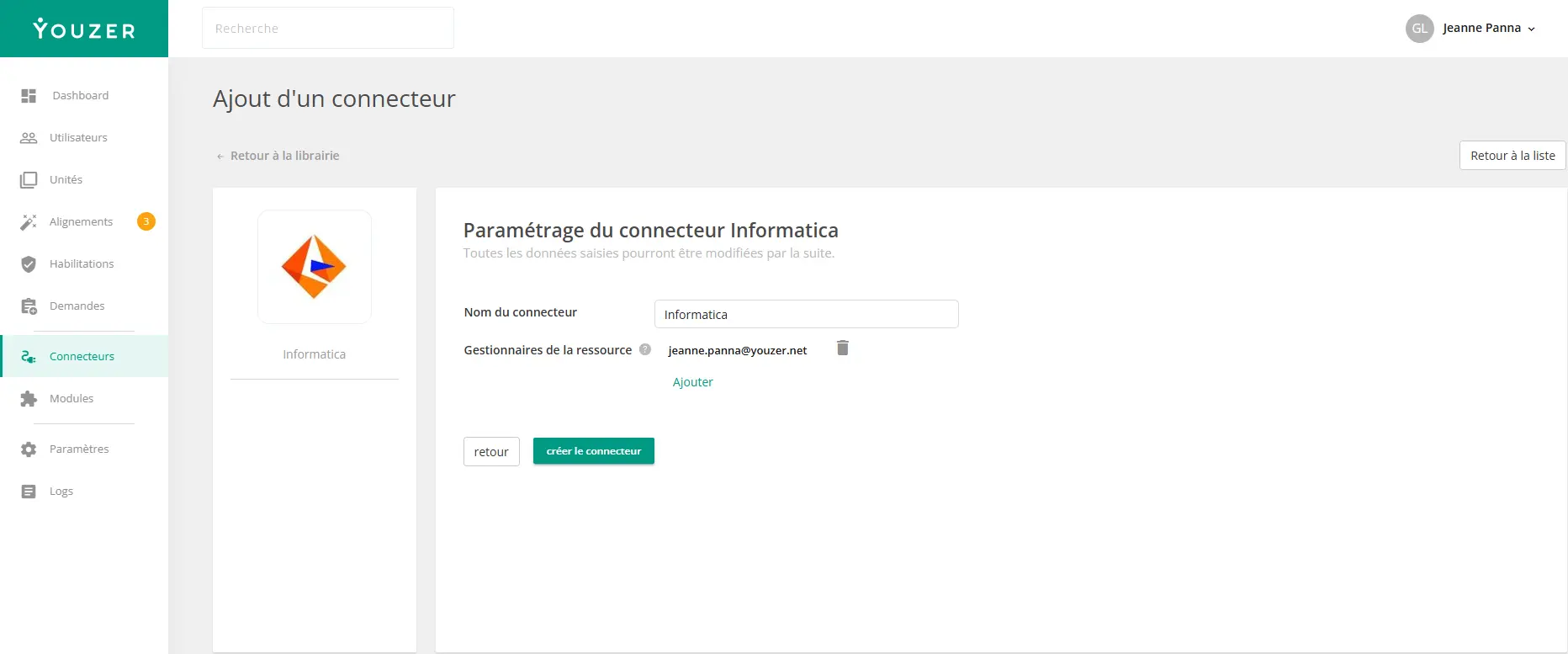

Intelligent Data Management Cloud (IDMC) is a cloud platform for data integration and management. The Youzer connector for Informatica allows you to automatically synchronize and manage user accounts in your Informatica Cloud environment.
.webp)
Synchronized data
The connector retrieves the following information about Informatica users:
• identity : Username, First Name, Last Name, Email
• Contact: Phone Number, Title/Position
• Authentication: Authentication Method (SAML or Standard), SSO Alias
• Organization: Organization ID
• Roles: List of assigned roles (with catalog of available roles)
• Groups: List of membership groups (with catalog of available groups)
• Status: Active / Deactivated
Automated actions
The connector allows you to automate the following actions:
• Account creation: Automatic creation of a user with their name, email address, authentication method, roles, and groups
• Access modification: Add or remove roles and groups according to defined permissions
• Account deletion: Automatic deletion of the user during offboarding
To configure the connector, you will need:
• Server URL: URL of your Informatica Cloud instance
• Login: Administrator username
• Password: Administrator account password
The account must have sufficient rights to manage users, roles, and groups.
Use cases
• Automated onboarding: Creation of Informatica accounts with the correct roles as soon as employees join the company
• Authorization management: Automatic assignment and removal of roles based on position or department
• Secure offboarding: Automatic deletion of accounts when employees leave the company
• Access governance: Centralized view of Informatica access in Youzer