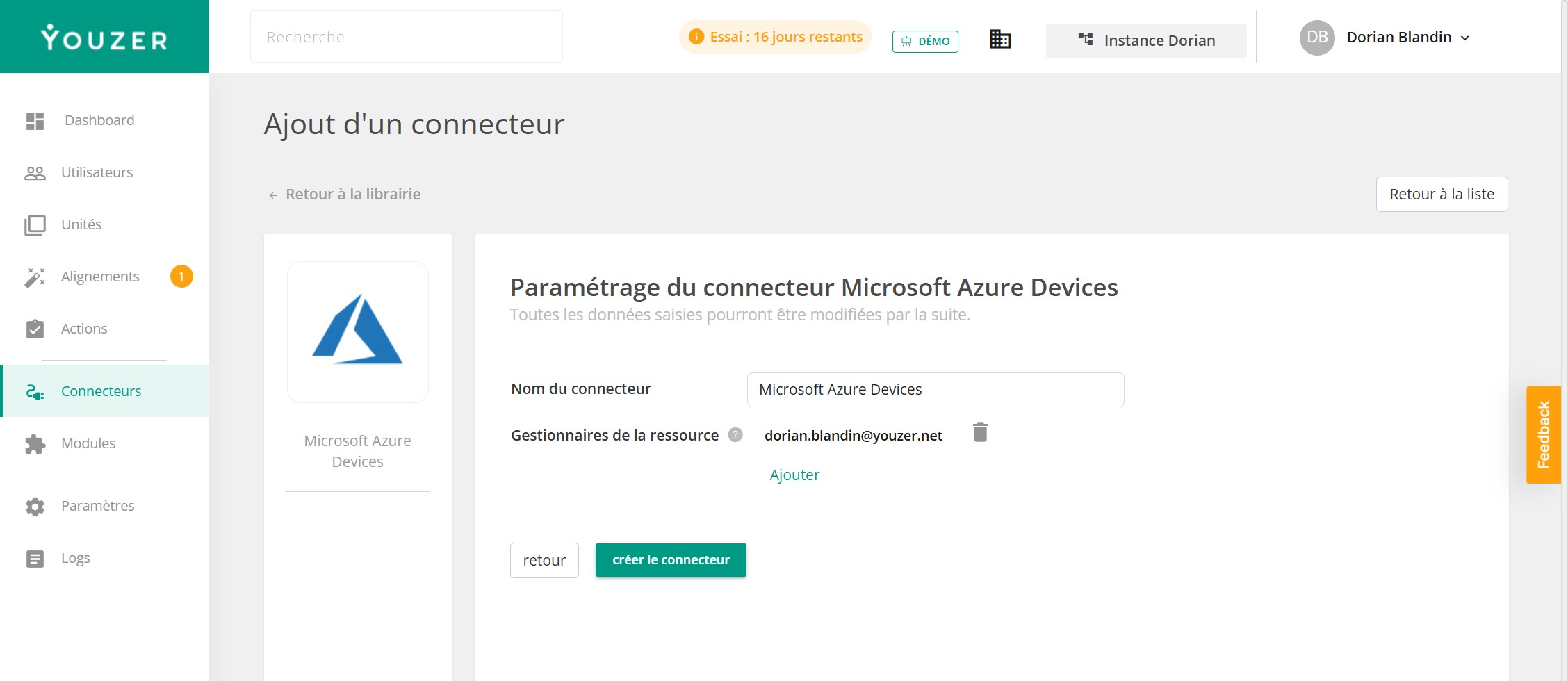

Microsoft Entra ID (formerly Azure Active Directory) is Microsoft'sidentity service. In addition to user accounts, it tracks the company's devices—computers, tablets, and smartphones—that are connected to or registered in the Microsoft tenant. This information is used to enforce conditional access policies and monitor the device fleet. All organizations using Microsoft 365 have access to this inventory.

The connector imports the device inventory into Youzer: name, operating system and version, manufacturer, model, connection type, management status (managed or unmanaged), groups, and approximate date of last connection. Most importantly, each device is linked to its owner (last name, first name, username) and, therefore, to the employee in Youzer.
The connector is read-only: it does not affect the devices.
It uses the Microsoft connection already used by Youzer: a Microsoft 365 administrator grants read access to devices and users. You can limit the import to specific device models. No installation is required.