
Dynamics 365 Connector

Back to connectors list

What is Dynamics 365?

Dynamics 365 is Microsoft's suite of business management applications. It covers customer relations (sales, customer service, marketing), finance, supply chain, and operations. Highly integrated with Microsoft 365, it is used by both small and medium-sized businesses and large enterprises, often with the help of an integrator to tailor it to their business processes.

What can you do with the Dynamics 365 connector?

The connector imports Dynamics 365 users into Youzer: name, login ID, email address, profile type, and affiliated company.

User creation is automated through Youzer. Modifying, suspending, reactivating, deleting, and resetting a password generate a request to the application administrator, which is tracked in Youzer.

  • Onboarding: Sales representatives and managers have access to Dynamics as soon as they join the company, with the correct profile.
  • Offboarding: The manager is notified when an employee leaves, and tracking the request in Youzer ensures that access has been revoked.
  • License Management: Unused or orphaned licenses are identified.

How does the Dynamics 365 connector work?

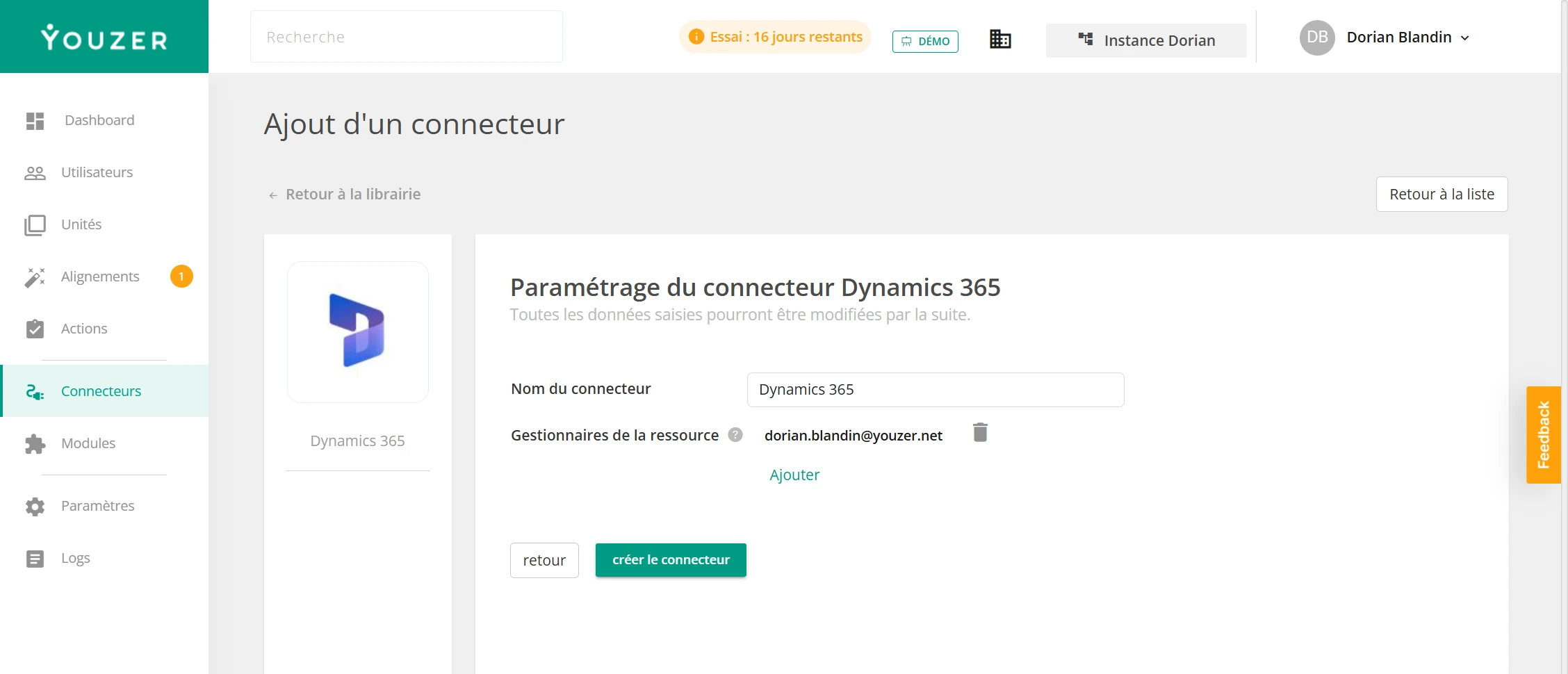
Configuration is done through Youzer using the credentials provided by your Dynamics 365 administrator or your integration partner. No installation is required.

link to the editor of
Dynamics 365
Automate User Accounts with Dynamics 365
Discover our other connectors

Youzer centralizes your account, user, and application information. You can manage Dynamics 365 and all your applications in one place. Automate account creation, modification, and suspension; manage your users; and secure your IT.

Discover how to manage your users and their access