.png)
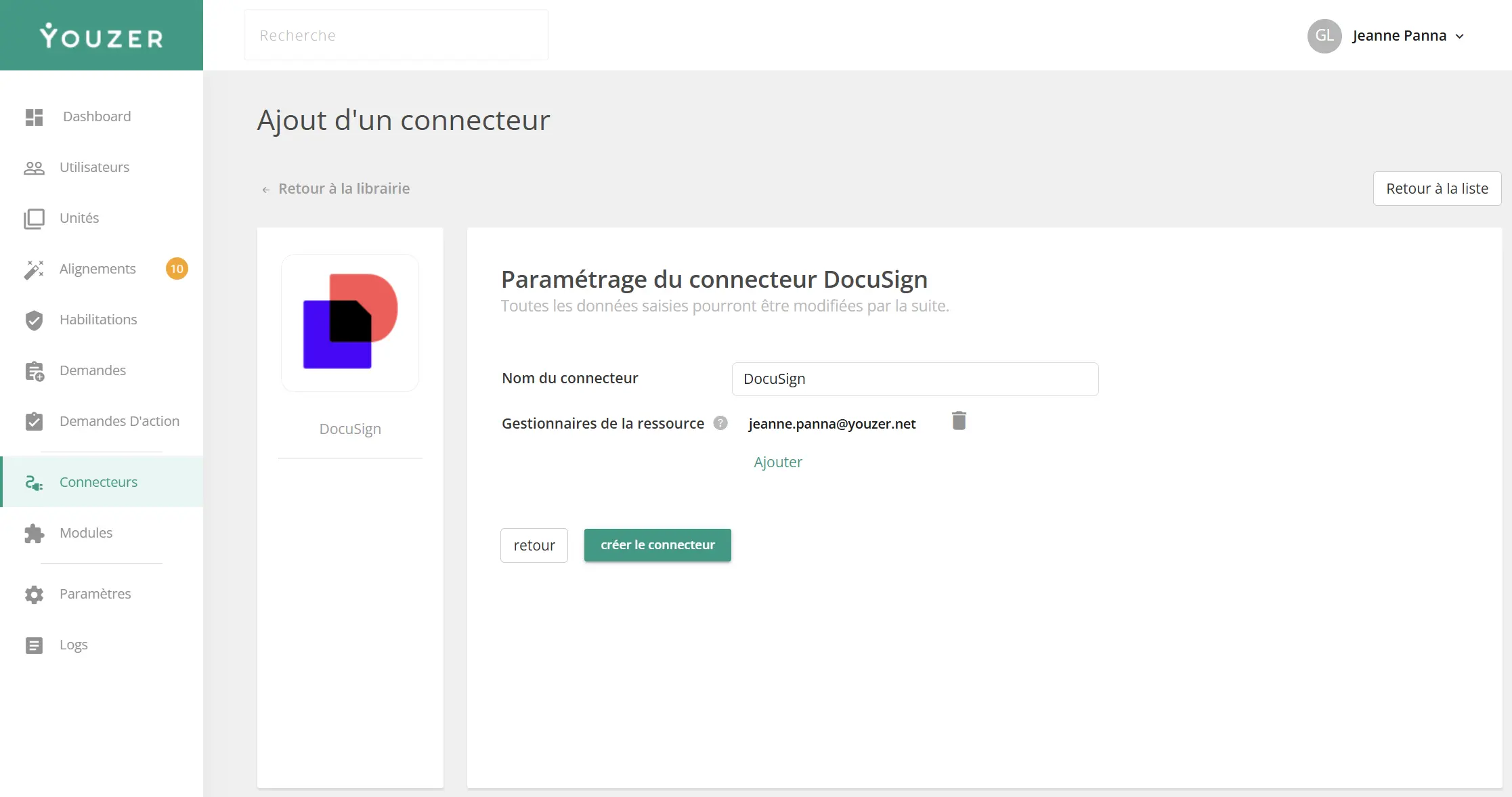
The DocuSign connector allows you to automatically sync and manage users on your e-signature platform. It supports the entire account lifecycle: creation, modification, activation, and suspension
.webp)
Data synchronized from DocuSign
| Category | Fields |
|-----------|--------|
| identity Username, first name, last name, email |
| Access | Permission profiles, groups |
| Status | Account Status (Active/Disabled) |
Actions that can be automated with DocuSign
| Action | Description |
|--------|-------------|
| Creation | Creation of user account with assignment of permission profile and groups, automatic activation |
| Modification | Update user information, permission profile, and groups |
| Activation | Reactivation of user account (status "Active") |
| Suspension | User account deactivation (status: "Disabled") |
| Delete | Notify administrator for manual deletion |
Permission Profile Management
The connector automatically retrieves the permission profiles available in your DocuSign organization and allows you to assign them when creating or editing users.
Group Management
DocuSign groups are synchronized and can be automatically assigned to users based on their profile in Youzer.
- Registered DocuSign application (Integration Key)
- Client ID and Client Secret
- OAuth 2.0 authorization with refresh token
- Account linked to a DocuSign organization
Multi-account support
If your admin user has access to multiple DocuSign accounts, you can specify the target Account ID in the Organization field. By default, the user’s default account is used.
Authentication
OAuth 2.0 with refresh tokens. Tokens are automatically refreshed by Youzer.
Typical use cases
- Automatic creation of DocuSign accounts for employees authorized to sign
- Assigning permission profiles based on role (signer, approver, administrator)
- Group management by department or entity
- Automatic deactivation when an employee leaves