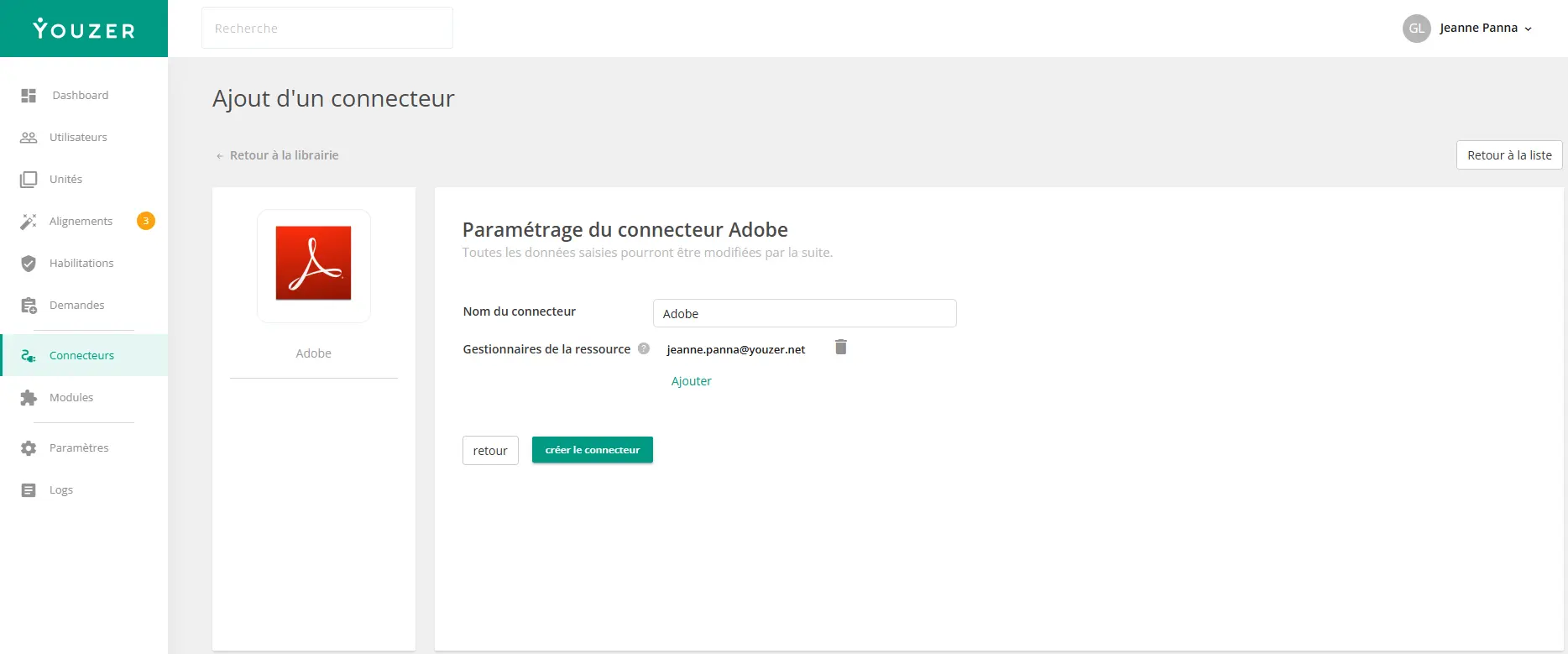

Adobe Admin Console is the platform for managing Adobe licenses and users (Creative Cloud, Document Cloud, Experience Cloud). The Youzer connector for Adobe allows you to automatically synchronize and manage user accounts in your Adobe organization.
.webp)
Synchronized data
Theconnector retrieves the following user information:
• identity : Email, First name, Last name, Username
• Organization: Domain, Country code
• identity type: Enterprise ID, Federated ID, or Adobe ID
• Groups: Product profiles and user groups (with catalog of available groups)
• Status: Active/Inactive
Automated actions
Theconnector allows you to automate the following actions:
• Account creation: Automatic creation of an Adobe user (Enterprise ID, Federated ID) or addition of an existing Adobe ID, with assignment to product groups
• Modification: Update of user information (first name, last name, username)
• License management: Automatic addition or removal of product profiles and user groups
• Deletion: Removal of the user from the organization and deletion of the account
System requirements
Toconfigure the connector, you will need:
• Organization ID: Your Adobe organization ID
• Client ID: OAuth application ID (API Key)
• Client Secret: OAuth application secret This information is available in the Adobe Developer Console (developer.adobe.com)
Supported identity types
• Enterprise ID: identity by the organization, created and controlled via Admin Console
• Federated ID: identity via SSO (SAML, Azure AD, etc.)
• Adobe ID: Existing identity Adobe identity , invited into the organization
Use cases
• Automated onboarding: Creation of Adobe accounts and assignment of Creative Cloud licenses as soon as employees arrive
• License management: Automatic assignment and removal of product profiles based on position or department
• Secure offboarding: User removal and license recovery upon departure
• Access governance: Centralized view of Adobe licenses in Youzer to facilitate audits