

Microsoft Excel Online Connector

Back to connectors list

What is Microsoft Excel Online?

Excel Online is the online version of Microsoft's spreadsheet program, included in Microsoft 365. Files are stored in SharePoint or OneDrive and can be edited collaboratively. Many companies—either because they lack an HRIS or as a supplement to one—use it to maintain their employee roster, list of service providers, or list of temporary workers.

What can you do with the Microsoft Excel Online connector?

The connector uses an Excel workbook as its HR data source. The following fields are imported into Youzer: identity, employee ID, department, site, contract type, start and end dates, and manager.

The file remains the reference: you just need to keep it up to date for Youzer to trigger the processes. The connector is read-only: it does not modify the workbook.

  • Contractors and temporary workers: Employees not included in the HRIS are managed in a simple file, with the same access procedures as regular employees.
  • Onboarding and offboarding: The dates entered in the file trigger the creation and closure of accounts.
  • Quick Start: No need to wait for an HRIS project to automate access.

How does the Microsoft Excel Online connector work?

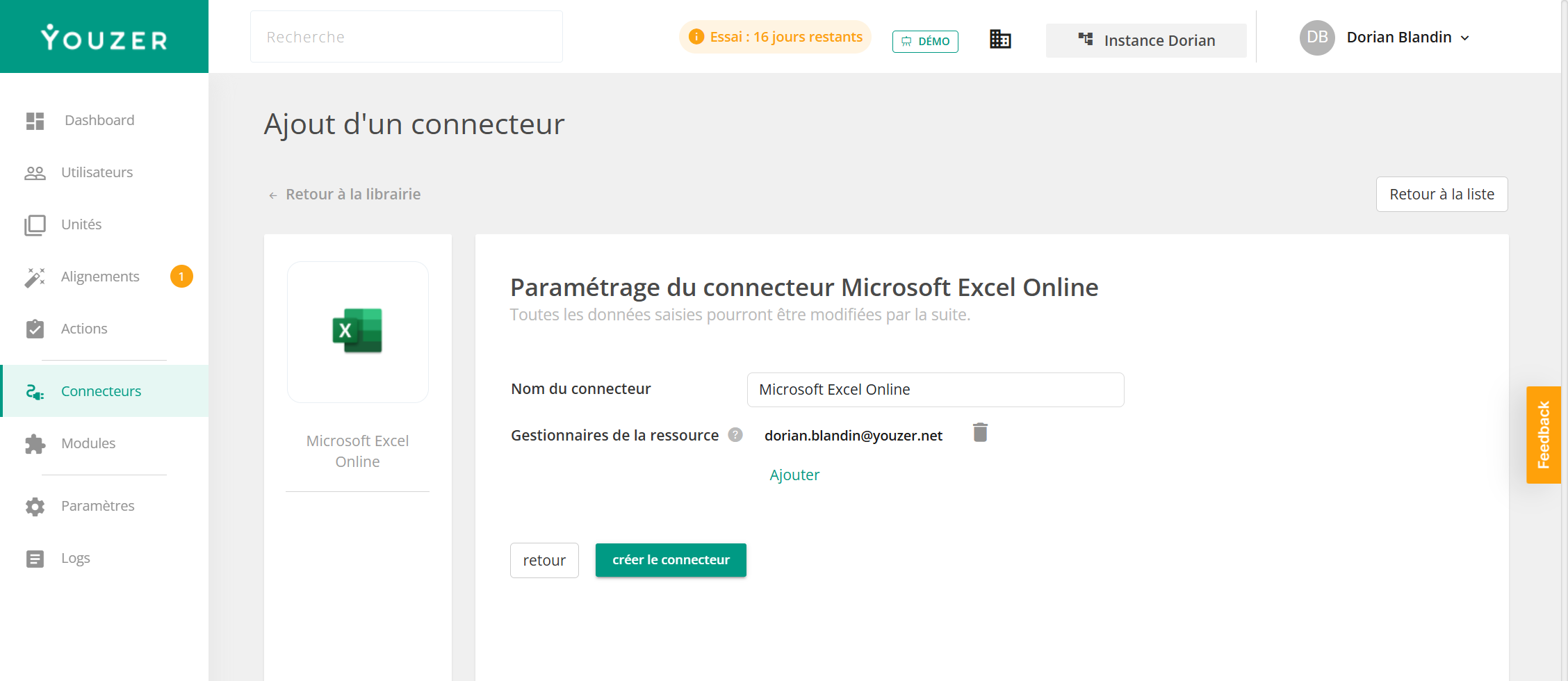
It uses Youzer's Microsoft 365 connection. You specify the workbook to use and map its columns to the expected information.
link to the editor of
Microsoft Excel Online
Automate User Accounts with Microsoft Excel Online
Discover our other connectors

Youzer centralizes your account, user, and application information. You can manage Microsoft Excel Online and all your applications in one place. Automate account creation, modification, and suspension; manage your users; and secure your IT infrastructure.

Discover how to manage your users and their access